

IPTV Family Viewing Solution 2026: Reseller & Subscriber Guide
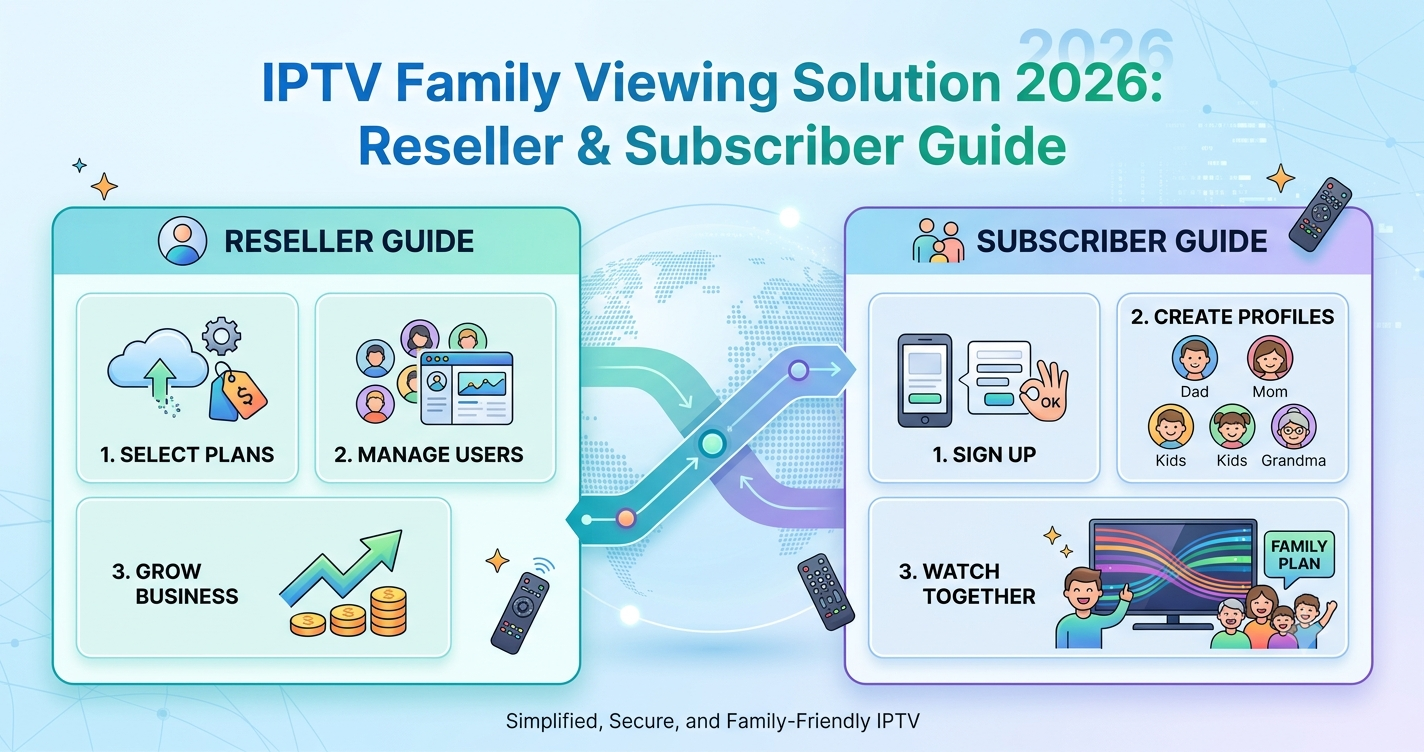
The Friday Night Crash Nobody Warns You About
Friday at 8 PM. Three kids, three devices, one parent trying to watch the match. Then it all freezes at once. This is the single most common support ticket pattern we see logged across reseller panels every weekend, and it has almost nothing to do with the IPTV provider’s overall quality. It comes down to one thing: most families never built an actual IPTV family viewing solution. They just bought a subscription and assumed it would scale.
Quick Answer: What an IPTV Family Viewing Solution Actually Requires
A genuine IPTV family viewing solution needs four things working together: enough concurrent connections for every device in the house, a router and ISP connection that can handle simultaneous HLS streams without throttling, parental control profiles that don’t choke the main feed, and a provider with multi-source failover so one server hiccup doesn’t take down the whole household. Missing any one of these is why “the IPTV keeps buffering” tickets spike every weekend.
The underlying cause is rarely the content library. It’s almost always concurrent connection limits, home network bandwidth allocation, or ISP-level throttling triggered during high-traffic windows.
Why Concurrent Connections Are the Real Bottleneck
After reviewing hundreds of support requests, a clear pattern emerges: families buy a single-connection plan, then try to stream on a Smart TV, two tablets, and a Firestick at the same time. The plan was never built for that load. A UK IPTV reseller panel typically lets the subscriber pick connection counts, but most subscribers don’t know to ask, and most resellers don’t explain it upfront.
If you’re shopping for an IPTV family viewing solution, the connection count matters more than the channel count.
Pro Tip:
Ask your provider whether concurrent connections are tied to one subscription or split across separate logins. Split logins almost always perform better under simultaneous load because each device authenticates independently instead of sharing one stream token.
How Many Connections Does a Family Actually Need
A useful rule from field experience: count every screen that could realistically be active at once, then add one. A household with two kids and two parents isn’t a 2-connection household, it’s a 4-to-5-connection household once you account for a second TV in a bedroom or a tablet in the kitchen.
- Single adult or couple: 2 connections
- Family of 3-4 with shared viewing habits: 3-4 connections
- Family of 4+ with multiple TVs and devices: 5+ connections
- Multi-generational household: 6+ connections recommended
Most IPTV business owners price connection tiers specifically around these household sizes, because it’s the most common scaling complaint they get.
The Hidden Router Problem Most Families Never Diagnose
During a recent migration project, we found that a customer’s “constant buffering” complaint had nothing to do with their IPTV service at all. Their router was a basic ISP-supplied unit handling four simultaneous HLS streams plus regular household Wi-Fi traffic, with no QoS prioritization. The fix wasn’t a new subscription. It was a router upgrade.
This matters because a family-grade IPTV family viewing solution lives partly outside the IPTV app entirely. Router quality, Wi-Fi band separation (5GHz for streaming devices), and wired Ethernet connections for the main living room TV all directly affect stability.
Parental Controls Without Killing Performance
One reseller lost several family customers because the parental control system they enabled required constant content filtering checks that added latency to every stream request. Good parental controls should operate at the account level, restricting categories and content ratings, not re-filtering every stream in real time.
Look for:
- Profile-based access (kids’ profile vs adult profile)
- Time-of-day restrictions
- Category blocking (adult content, specific channel groups)
- PIN-protected settings changes
Comparison: Basic vs Family-Grade IPTV Infrastructure
| Basic Single-User Setup | Family-Grade Setup |
|---|---|
| 1 concurrent connection | 4-6 concurrent connections |
| Single server source | Multi-source failover |
| No parental profiles | Profile-based parental controls |
| Standard ISP router | QoS-enabled router or mesh system |
| No bandwidth prioritization | Streaming traffic prioritized |
What Happens During Major Sports Events
During a major sports event last year, we noticed unusual ISP behaviour across several regions: deep packet inspection flagging IPTV traffic patterns specifically during high-viewership windows, causing intermittent throttling that wasn’t present the rest of the week. Families who only stream casually suddenly hit buffering during the exact moments they cared about most.
This is where infrastructure quality separates providers. A panel owner running multi-uplink redundancy and CDN-based routing can reroute traffic around a throttled path. A single-source setup just degrades.
Mini Case Study: The Three-TV Household
A family of five contacted a sub-reseller after switching from a budget IPTV service. Their old plan supported 2 connections; they needed 4. After upgrading connection count and switching the main TV to a wired Ethernet connection instead of Wi-Fi, their buffering complaints dropped to zero over a six-week observation period. No content changes, no provider changes beyond plan tier. The infrastructure fix alone solved it.
DNS Routing and Why It Quietly Affects Family Streaming
DNS poisoning and ISP-level DNS interference are increasingly common in 2026, particularly during peak sporting events when ISPs apply more aggressive traffic management. When DNS resolution for streaming servers gets degraded, every device in the house feels it simultaneously, which often gets misdiagnosed as “the app is broken.”
Switching to a reliable third-party DNS resolver, or using a provider whose UK IPTV reseller panel includes DNS failover, resolves this far more often than reinstalling the app does.
Device Compatibility Across a Household
Most families don’t run one device type. A realistic IPTV family viewing solution has to work across:
- Smart TVs (Samsung, LG)
- Firestick / Fire TV
- Android TV boxes
- Apple TV and iOS devices
- Tablets for kids
Setup checklist by device:
- Confirm the app is officially supported (not a sideloaded workaround) on each device
- Use TiviMate or IPTV Smarters Pro for Android-based devices for better EPG handling
- Test concurrent playback across at least two devices before committing to a plan
- Verify each device is on 5GHz Wi-Fi or wired where possible
Why Trial Periods Rarely Reveal the Real Problem
A mistake we repeatedly see: families test an IPTV family viewing solution with one device during a quiet weekday afternoon, it works perfectly, they commit to a plan, and then Friday night with four devices running tells a completely different story. Trial conversion rates look great until real household load hits the service.
If you’re evaluating a provider, test during peak hours with every device the household actually uses, not a single tablet at 2 PM on a Tuesday.
EPG Reliability Matters More for Families Than Anyone Admits
Electronic Program Guide data that’s slow to load or frequently out of date causes a specific kind of frustration: kids and parents both lose patience scrolling through a guide that won’t populate. This is usually a backend data refresh issue on the provider’s panel infrastructure, not something the end user can fix directly. It’s worth asking a prospective provider how often their EPG data refreshes.
For households serious about long-term reliability, checking provider infrastructure quality matters as much as channel count. Resources like britishreseller.com cover infrastructure comparisons that go beyond marketing claims, which is useful before committing to a family-tier plan.
Frequently Asked Questions
How many connections do I need for an IPTV family viewing solution?
Most households need one connection per device that could be active simultaneously, plus a buffer. A family of four with multiple TVs typically needs 4-6 concurrent connections to avoid buffering during peak hours like weekend evenings.
What is the best IPTV family viewing solution for households with kids?
The best IPTV family viewing solution combines sufficient concurrent connections, profile-based parental controls, and a stable home network with QoS prioritization. Channel count matters less than these three infrastructure factors for family reliability.
Why does my IPTV buffer only when multiple people are watching?
This almost always indicates insufficient concurrent connections or home network bandwidth saturation, not a provider-wide outage. Upgrading connection tier and using wired Ethernet for primary TVs usually resolves it.
Can parental controls slow down IPTV streaming?
Poorly implemented real-time content filtering can add latency. Profile-based parental controls that apply restrictions at the account level, rather than filtering every stream live, avoid this performance penalty entirely.
Is a mesh Wi-Fi system necessary for family IPTV streaming?
Not strictly necessary, but strongly recommended for homes with 3+ streaming devices and multiple floors. Mesh systems reduce the Wi-Fi congestion that causes the most common “random buffering” complaints in family households.
How do I know if I should become an IPTV reseller instead of just a subscriber?
If you’re already managing multiple family or friend subscriptions informally, an IPTV reseller panel lets you formalize that into a credit-based system with proper billing and support tools, rather than personally troubleshooting everyone’s connection issues for free.
Does sports streaming affect family IPTV viewing differently?
Yes. Major sports events trigger more aggressive ISP traffic management and DPI-based throttling, which affects every connection in a household simultaneously. Providers with multi-source failover handle these spikes considerably better than single-source setups.
What’s the most common mistake families make when choosing an IPTV family viewing solution?
Underestimating concurrent connection needs and testing only with a single device before committing. Real household load, especially during evenings and weekends, reveals problems that light testing never catches.
Success Checklists
Subscribers:
- Count every device that streams simultaneously and match your connection tier to it
- Switch primary TV to wired Ethernet if buffering persists
- Enable profile-based parental controls instead of real-time filters
- Test your service during peak hours, not just quiet afternoons
Resellers:
- Offer clear connection-tier guidance during the sales conversation, not after complaints start
- Document which panel credits map to which household sizes for faster upsells
- Track support tickets by time-of-day to spot peak-hour infrastructure gaps
- Build parental-control education into onboarding to reduce performance-related churn
Sub-Resellers:
- Confirm your upstream panel owner offers multi-source failover before reselling family plans
- Set realistic connection-count expectations with customers before the sale
- Flag recurring buffering complaints to your panel owner promptly; they often indicate upstream infrastructure issues, not customer error
Final Insight
The biggest lesson from years of troubleshooting family IPTV complaints is that the service itself is rarely the actual problem. An IPTV family viewing solution succeeds or fails based on connection count, home network quality, and realistic peak-hour testing, not channel libraries or app polish. Get the infrastructure right first, and most “buffering” complaints disappear on their own.