

IPTV Panel Features That Separate Serious UK Resellers From the Rest
It was 2:58 PM on a Saturday. Premier League kick-off in two minutes. My panel was sitting at 94% CPU load, three sub-resellers were blowing up my phone, and a CDN node had just silently dropped 400 concurrent streams without throwing a single alert. No warning. No failover. Just silence — and then a wall of support tickets.
That afternoon taught me more about IPTV panel features than any tutorial ever could. Because when everything breaks simultaneously under peak load, you realise very quickly that your panel isn’t just an admin dashboard — it’s the operational spine of your entire business.
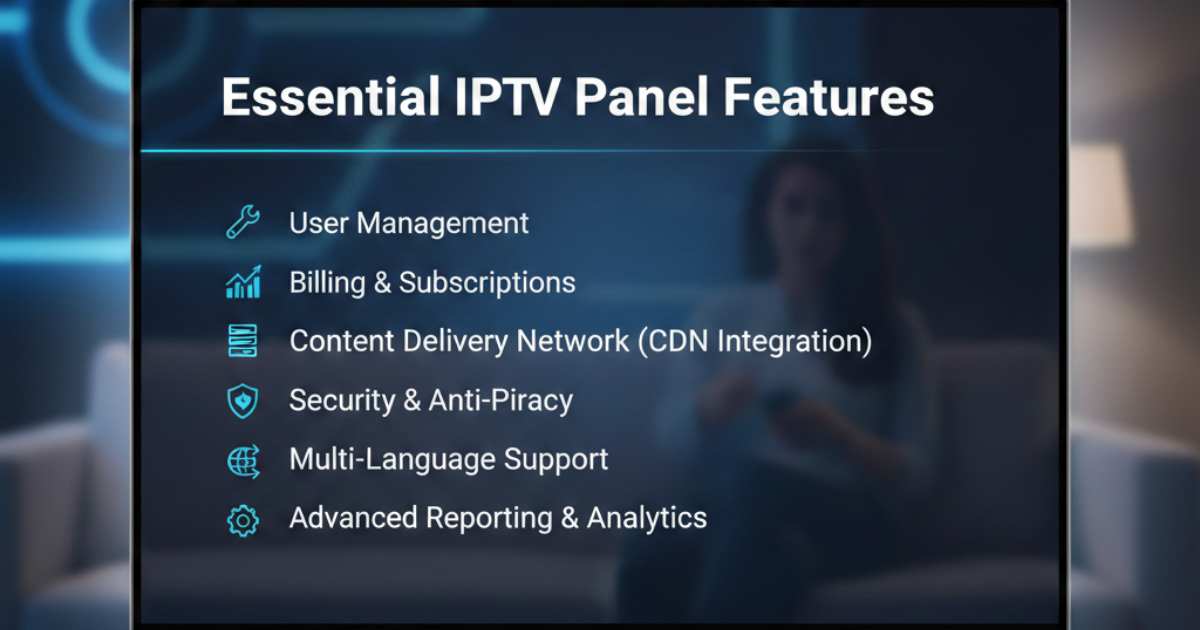
If you’re serious about building a sustainable IPTV reseller operation in the UK, understanding which IPTV panel features actually matter — not just on the sales page, but in production — is non-negotiable.
The IPTV Panel Features That Actually Determine Uptime
Most new resellers evaluate panels on price and interface aesthetics. That’s backwards. The IPTV panel features that matter most are invisible during calm periods — they only reveal themselves under pressure.
Load balancing is the first thing I look at. Not whether it exists, but how it’s implemented. A panel claiming “automatic load balancing” but routing all traffic through a single egress point isn’t load balancing — it’s marketing. True load distribution requires the panel to monitor per-server stream counts in real time and re-route mid-session if thresholds are breached.
The second critical capability is failover logic. Your panel should support multi-tier failover: primary stream → backup stream → tertiary CDN edge node. If a stream fails and your panel simply returns a dead URL to the client, that’s a broken IPTV panel feature masquerading as one.
Panel Infrastructure Comparison
| Feature | Budget Panel | Premium Panel |
|---|---|---|
| Load Balancing | Manual / None | Automated, real-time |
| Failover Tiers | Single fallback | 3-tier CDN failover |
| Uplink Speed | Shared 1Gbps | Dedicated 10Gbps+ |
| Alert System | Email (delayed) | Instant push + webhook |
| UK Server Nodes | 0–1 | Multiple UK PoPs |
Why HLS Latency Controls Are Non-Negotiable IPTV Panel Features
Buffering complaints are almost never about the content source — they’re about HLS segment delivery timing. One of the most overlooked IPTV panel features is granular HLS latency control: the ability to tune chunk size and buffer depth per stream category.
For standard VOD, longer chunks are fine. For live sports, you need sub-3-second latency or your customers are watching goals on Twitter before they see them on screen. A panel that applies identical HLS settings across all content types is fundamentally unfit for serious UK operation.
Buffer-bloat is the related failure mode. It occurs when your panel’s transcoding pipeline queues packets faster than they can be delivered, creating artificial latency that compounds under load. The fix isn’t more bandwidth — it’s smarter queue management, which requires IPTV panel features at the stream-processing level.
Pro Tip: When evaluating a panel, test HLS latency during a simulated peak — not on a Tuesday afternoon. Request a trial during a major sports window or spin up 500 concurrent test streams. Real IPTV panel features only reveal themselves under stress.
IPTV Panel Features for DNS Poisoning Resistance in 2026
The ISP enforcement landscape in the UK has shifted considerably. We’re past basic deep-packet inspection. In 2026, AI-driven traffic analysis is identifying IPTV streams through behavioural fingerprinting — consistent packet intervals, characteristic HLS request patterns, session duration anomalies.
This means IPTV panel features related to DNS management have become existential, not optional. Your panel needs to support dynamic domain rotation — automatically cycling delivery domains before they’re added to ISP blocklists. Static domains are a liability; they’re effectively a fixed target.
DNS poisoning resistance requires your panel to operate with multiple resolution paths and to serve different domain responses based on the requesting IP’s ISP signature. This isn’t something you bolt on — it has to be built into the panel’s delivery architecture.
Panels on IPTV Reseller UK are built with this infrastructure in mind — offering UK resellers delivery architecture that accounts for the current enforcement environment rather than the one from three years ago.
Read More: IPTV Reseller Panel
The Revenue Maths Behind Credit Management as an IPTV Panel Feature
IPTV panel features around credit management aren’t glamorous, but they’re directly tied to your margin. Here’s a formula every UK reseller should have pinned to their wall:
Net Reseller Margin Formula:
Net Margin=(Credits Sold×Retail Price)−(Credits Purchased×Wholesale Cost)Credits Sold×Retail Price×100\text{Net Margin} = \frac{(\text{Credits Sold} \times \text{Retail Price}) – (\text{Credits Purchased} \times \text{Wholesale Cost})}{\text{Credits Sold} \times \text{Retail Price}} \times 100
If your panel doesn’t give you real-time visibility into credit consumption per sub-reseller, you’re operating blind. You need to know which resellers are high-churn (burning credits without retaining customers), because they’re compressing your margin while creating support overhead.
The best IPTV panel features for credit management include:
- Per-reseller credit velocity tracking (credits used vs. time elapsed)
- Automated low-credit alerts at custom thresholds
- Credit expiry controls to prevent balance hoarding
- Tier-based wholesale pricing locked into the panel itself
IPTV Panel Features That Prevent Churn Before It Happens
Customer churn in the IPTV reseller space is almost always preceded by three to five buffering incidents within a 30-day window. Most resellers only discover this after the customer has left. The IPTV panel features that address this proactively are the ones tied to per-connection quality monitoring.
Your panel should log stream interruptions per MAC address or connection ID — not just aggregate error counts. Aggregate numbers hide patterns. If MAC address 00:1A:2B:XX:XX is experiencing repeated HLS timeout errors between 7 PM and 9 PM, that’s a signal you need to act on before that customer contacts you.
Pro Tip: Map your error log timestamps against UK broadcast schedules. If errors spike consistently during premium sports windows, the problem is capacity — not the customer’s connection. Fixing the capacity issue and proactively communicating the improvement to affected users is one of the highest-ROI actions available to a UK reseller.
IPTV Panel Features for Multi-Tier Reseller Structures
Once you move beyond direct retail and start building a sub-reseller network, the IPTV panel features around permission hierarchies become critical. A flat-permission panel is a security liability at scale.
You need the ability to create reseller tiers with explicitly defined limits: maximum connections per account, content category access controls, credit transfer restrictions, and login IP whitelisting. Without these controls, a rogue sub-reseller can oversell your capacity, expose your upstream source, or transfer credits out of your ecosystem entirely.
The most advanced IPTV panel features in this space allow you to create branded sub-panels — white-label environments where your resellers operate under their own branding but within your controlled infrastructure. This is how you scale without losing operational oversight.
Sub-Reseller Permission Checklist:
- Connection cap enforcement per tier
- Category-level content access controls
- Credit transfer limits and approval workflows
- IP whitelist for panel admin access
- Audit log of all reseller actions (essential for dispute resolution)
Evaluating 4K HEVC Support as a Core IPTV Panel Feature
The shift toward 4K HEVC (H.265) delivery isn’t optional anymore for UK resellers targeting premium customers. HEVC delivers equivalent visual quality at roughly half the bitrate of H.264, which is operationally significant when you’re managing hundreds of concurrent 4K streams.
The IPTV panel features that matter here are transcoding pipeline flexibility and per-stream bitrate controls. Not every customer device supports HEVC natively — older MAG boxes and some budget Android sticks will default to H.264. Your panel needs to detect client capabilities and serve the appropriate codec automatically, without manual intervention per connection.
Panels that lack adaptive codec delivery are forcing resellers into a false choice: serve 4K HEVC and lose compatibility, or serve H.264 and burn twice the bandwidth. The right IPTV panel features eliminate that trade-off entirely.
The 2026 IPTV Reseller Success Checklist
These aren’t aspirational goals — they’re operational minimums for any UK reseller serious about building a durable business:
- Audit your panel’s failover architecture — confirm three distinct fallback tiers exist and test them manually before peak broadcast windows
- Enable per-connection error logging — identify high-churn risk customers before they leave using stream quality data, not support ticket volume
- Implement dynamic domain rotation — static delivery domains are a 2024 approach; in 2026 they’re a liability
- Enforce credit velocity limits on all sub-resellers — uncapped credit consumption is the fastest route to margin collapse
- Migrate to a panel with HEVC adaptive delivery — if you’re still serving uniform H.264 streams in 2026, your infrastructure costs are unnecessarily high and your 4K customers are underserved
The IPTV panel features that separate operators who survive UK enforcement waves from those who don’t aren’t found in marketing brochures. They’re found in load test results, failover logs, and the latency graphs from a Saturday at 3 PM.
IPTV Reseller UK is built for operators who understand this distinction. The infrastructure is already there — the question is whether your panel is.