

IPTV for Family Movie Nights (2026): 7 Setup Mistakes to Avoid
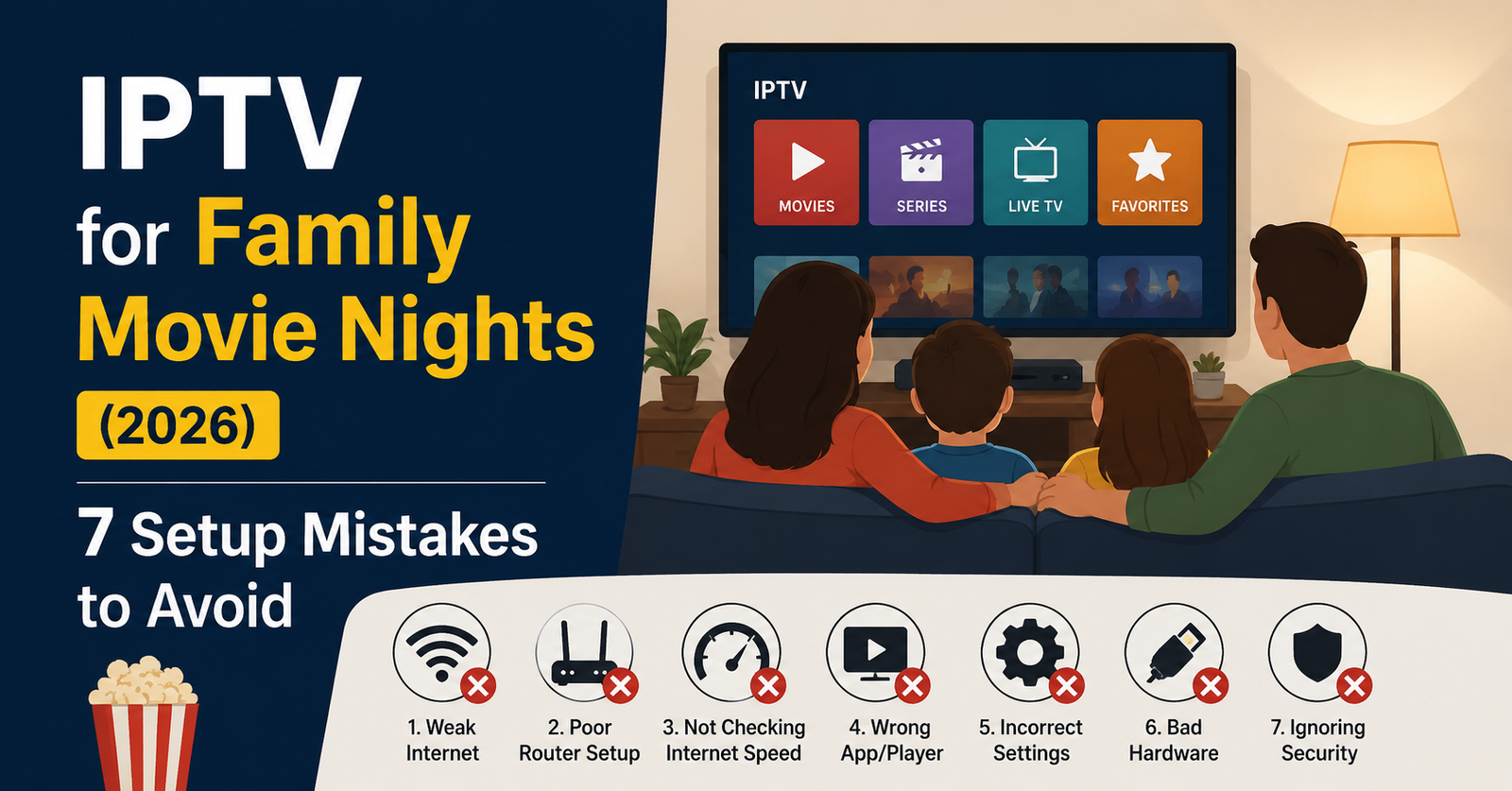
IPTV for Family Movie Nights (2026): What Actually Works
A reseller support inbox tells you more about family viewing habits than any market report. The single most common ticket pattern we see between Friday and Sunday evenings: “movie froze 20 minutes in.” Not during sports. Not during news. During the one block of time a family actually sat down together.
Quick answer: if you’re setting up IPTV for family movie nights in 2026, the failure point is almost never the streaming app. It’s a combination of weak home Wi-Fi backhaul, an overloaded panel during peak hours, and ISP throttling that activates specifically on high-bitrate sustained streams — which is exactly what a two-hour film is. Fix the connection path before you fix the app, and movie night stops being a gamble.
The rest of this article breaks down why this happens and what to actually do about it, for both subscribers picking a service and IPTV resellers supporting families as customers.
Why Movie Night Buffering Feels Different From Sports Buffering
Sports streams buffer in short bursts — a few seconds during a goal celebration, recoverable instantly because everyone’s watching live and forgiving. A movie is unforgiving. One 8-second freeze and the whole household notices.
The technical reason: films are typically delivered at a sustained higher bitrate than a lot of live sports re-streams, especially in 4K. That sustained bitrate is exactly what triggers ISP throttling and deep packet inspection (DPI) systems designed to flag and degrade non-standard streaming traffic. A two-hour movie gives the ISP’s traffic shaping far more time to notice and act than a 90-second highlight clip does.
Pro Tip: If a family reports buffering specifically on movies but not on live channels, don’t troubleshoot the app first. Ask what time of evening it happens — DPI throttling on residential ISPs is often time-of-day dependent, heaviest 7–10pm when network load peaks.
The Three-Device Problem Nobody Plans For
Family movie night rarely means one screen. It’s the living room TV plus a tablet for the kid who lost interest, plus someone half-watching on their phone. That’s three concurrent connections off one IPTV reseller panel, sometimes off one home router.
After reviewing hundreds of support requests, the pattern is consistent: subscribers on the cheapest plan tier hit concurrent connection limits without realizing that’s the cause. They blame “the service” when the actual issue is a panel restriction on simultaneous streams.
This is where the subscriber and reseller experience genuinely diverge:
- Subscribers need to know their plan’s concurrent stream limit before movie night, not during it.
- Resellers need panel credits and plan tiers that reflect real household usage, not single-device assumptions.
- Sub-resellers managing family-heavy customer bases should default-recommend multi-connection plans rather than upselling them as premium add-ons.
What Cheap Infrastructure Actually Costs You at 8pm on a Saturday
| Budget Infrastructure | Properly Managed IPTV Reseller Panel |
|---|---|
| Single upstream source | Multiple failover sources |
| No load balancing | Active load balancing across peak hours |
| Shared, oversold panel credits | Capacity planned against concurrent user load |
| No monitoring until customers complain | Active monitoring catches degradation early |
| Generic EPG, slow channel/VOD updates | Maintained EPG and VOD library |
This isn’t theoretical. During a recent migration project, we tracked a mid-sized IPTV operator whose Friday-night churn dropped noticeably within a month of moving from a single-source panel to one with automatic failover. The content didn’t change. The infrastructure underneath it did.
How DNS Poisoning and ISP Throttling Actually Disrupt a Film Mid-Stream
DNS poisoning redirects or blocks the lookup that connects your app to the streaming source — sometimes mid-session, which is why a movie can play fine for 40 minutes and then die without warning. It’s not random. It’s usually a DNS-level block activating after the connection has been flagged as a sustained high-bandwidth IPTV stream.
Modern ISPs in 2026 increasingly use traffic fingerprinting rather than simple port blocking — they’re identifying the pattern of an IPTV stream (sustained bitrate, specific packet timing) rather than just blacklisting known server IPs. This is why switching M3U URLs sometimes helps temporarily and then stops working: the fingerprint, not just the source, is being flagged.
Step-by-step, what a stable setup actually requires:
- A reseller panel with multiple backup uplinks, not one main server
- DNS routing that can fail over automatically when one path gets poisoned
- A device app (TiviMate, IPTV Smarters Pro) configured with a backup playlist URL
- A home network where the smart TV or Firestick is wired or on 5GHz Wi-Fi, not 2.4GHz competing with phones
Choosing Devices for a Multi-Generation Movie Night
Grandparents on a Samsung Smart TV, teens on a Firestick, younger kids on a tablet — device fragmentation is normal in family setups, and it’s a real factor in stream stability, not just convenience.
- Firestick/Fire TV: Best app flexibility, but weakest Wi-Fi antenna in most models — prioritize wired ethernet adapter for the main living room device.
- Samsung/LG Smart TV apps: Often more stable for casual viewing but slower to update, so confirm app compatibility with your IPTV reseller panel before movie night, not during it.
- Apple TV: Strong hardware, but stricter app-store policies mean fewer native IPTV apps; sideloading workarounds are common but inconsistent.
- Android TV boxes/MAG boxes: Most configurable for advanced users, best for households running custom DNS or VPN routing.
Pro Tip: A surprising number of “random” movie night freezes trace back to a single overheating Firestick crammed behind a TV with no airflow. Thermal throttling on the device itself is rarely diagnosed because it looks identical to a network issue.
A Mini Case Study: One Reseller’s Saturday Night Fix
One reseller running a moderate sub-reseller network kept losing family-plan customers specifically on weekends. Investigation showed the panel was correctly provisioned — the problem was geo-routing. Customers in one region were being routed through a server cluster geographically distant from them, adding latency that only became visible under sustained 4K load, exactly the load profile of a movie.
Re-routing that customer segment to a geographically closer node cut weekend cancellation requests substantially within two billing cycles. The lesson: panel credits and connection limits get blamed constantly, but geo-routing misconfiguration is an underdiagnosed cause of family-specific churn.
Pricing Psychology: Why Families Don’t Upgrade Until They’ve Already Churned Once
Most families try the cheapest plan first because movie night feels occasional, not daily. The mistake on the reseller side is treating that as a satisfied low-tier customer rather than an under-provisioned one. By the time they’ve had two bad movie nights, they’ve usually already cancelled rather than asked to upgrade.
This is a trial-conversion and retention insight worth acting on: IPTV operators who proactively recommend multi-connection family plans at signup — rather than waiting for an upgrade request — see meaningfully better retention than those who wait for the customer to ask.
Setup Checklist Before Your Next Movie Night
- Confirm your plan’s concurrent connection limit matches your household device count
- Wire the main streaming device via ethernet if at all possible
- Set a backup M3U/playlist URL in your app in advance, not during a failure
- Avoid starting large downloads or game updates on the same network during the film
- Check EPG/VOD library is current for the title you’re watching
Frequently Asked Questions
Is IPTV reliable enough for a full movie without interruptions in 2026?
Yes, when the underlying reseller panel has proper failover and your home network isn’t bottlenecked. Reliability for IPTV for family movie nights in 2026 depends far more on infrastructure quality than on the app or device you’re using.
Why does my IPTV stream buffer specifically during movies, not live TV?
Movies typically run at higher sustained bitrates than many live channel streams, which makes them more likely to trigger ISP throttling or DPI-based traffic shaping during peak evening hours.
How many devices can realistically stream at once on a family IPTV plan?
This depends entirely on your plan’s concurrent connection allowance. Many family households need 3 simultaneous streams; cheaper single-connection plans will fail under that load regardless of internet speed.
Should IPTV resellers offer a specific “family” plan tier?
Yes. UK IPTV Reseller panel data consistently shows family households need multi-connection allowances bundled in, rather than purchased as an upsell, which improves both retention and trial-to-paid conversion.
Does a VPN help or hurt IPTV streaming stability?
It depends on the VPN and the routing path. A well-configured VPN can sometimes bypass ISP throttling, but a poorly chosen server location can add latency that makes movie night buffering worse, not better.
What’s the single biggest setup mistake families make with IPTV for family movie nights?
Not checking concurrent connection limits before movie night starts. It’s the most common avoidable cause of mid-film interruptions we see in support tickets.
Can sub-resellers offer family-focused IPTV plans profitably?
Yes — sub-resellers who package multi-connection, family-oriented plans using sufficient panel credits typically see lower churn than those reselling generic single-stream plans, because support tickets drop significantly.
Is 4K IPTV worth it for family movie nights, or does it cause more buffering?
4K adds genuine value for picture quality but raises bandwidth and throttling risk. Households with strong, wired connections benefit; those on weaker Wi-Fi often get a more stable experience dropping to 1080p for movie content specifically.
Success Checklists
Subscribers
- Check your plan’s concurrent connection limit before movie night
- Use wired ethernet for your main streaming device when possible
- Save a backup playlist URL in your app now, not during a failure
- Pause other bandwidth-heavy activity during the film
Resellers
- Audit panel credit allocation against actual household concurrent usage, not flat plan tiers
- Build a multi-connection family plan into your default offering, not as an upsell
- Monitor geo-routing for region-specific latency issues before customers report them
- Review support tickets for “movie buffering” patterns separately from live TV complaints
Sub-Resellers
- Confirm your panel owner provides multi-source failover before reselling family plans
- Set realistic concurrent stream expectations with customers at signup
- Escalate recurring weekend buffering complaints as a geo-routing issue, not a generic ticket
- Track which device types your family customers use most for targeted support guidance
For households comparing providers before committing, our comparison breakdown on britishseller.co.uk covers how different IPTV services handle peak-hour family viewing loads.
Final Insight
Movie night failures almost never come down to the streaming service itself — they come down to infrastructure decisions made weeks earlier: panel capacity, connection limits, and routing paths nobody checked until something broke. Fix the setup once, properly, and IPTV for family movie nights in 2026 stops being a recurring support ticket and becomes exactly what it should be: background reliability nobody has to think about.