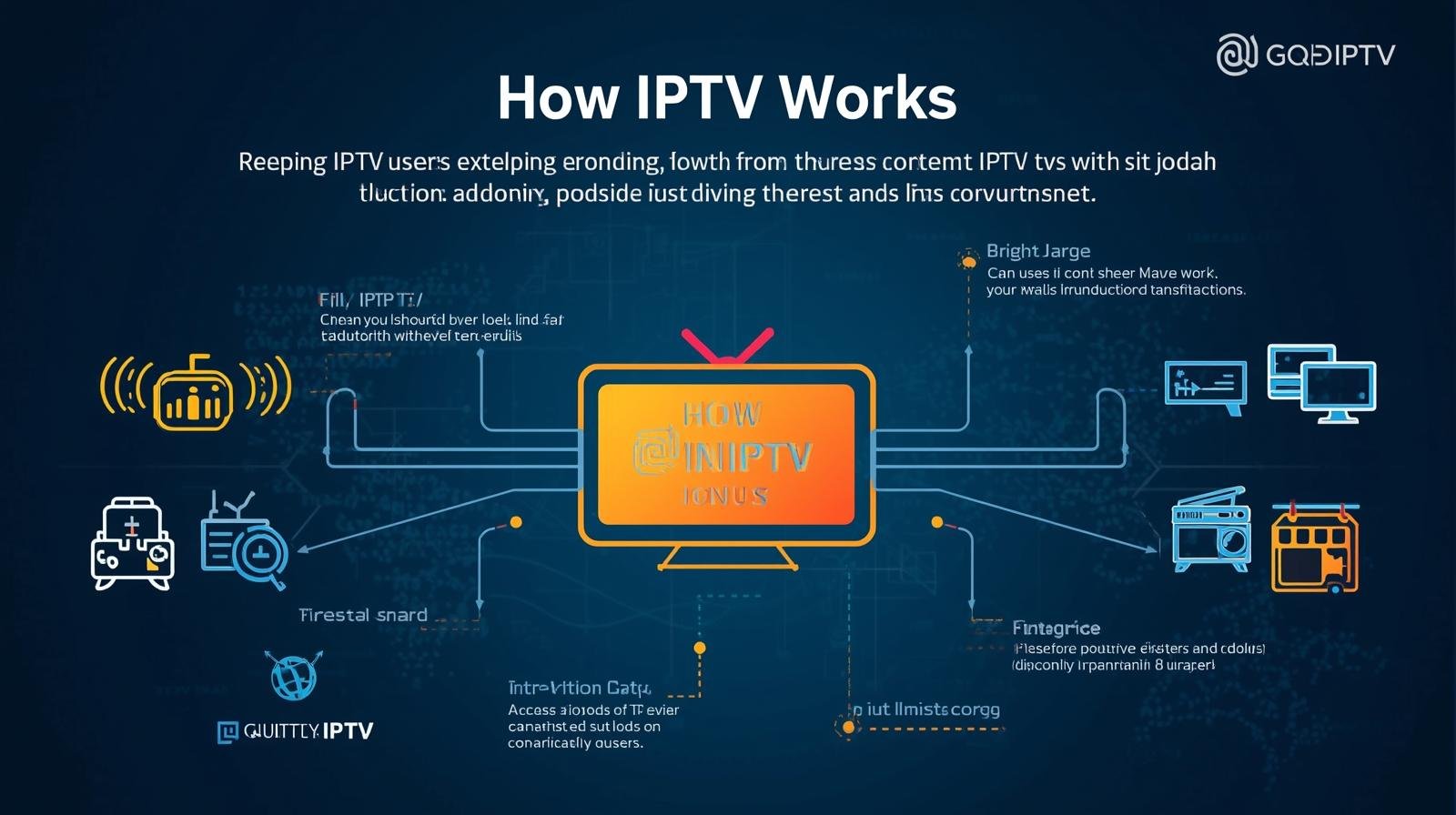

If you have ever watched live TV, on demand films, or series using your internet connection instead of a traditional cable or satellite service, you have used internet protocol television, more commonly known as IPTV. This guide covers IPTV technology step by step to help complete beginners understand every part of the system, its uses, and benefits.
This article is for educational purposes only. It covers software, tools, and management systems related to IPTV. No copyrighted content is hosted, provided, or distributed by this site. We do not endorse or encourage any illegal activity related to streaming protected content.
What Is an IPTV Reseller Panel
What Is IPTV?
IPTV is simply a short form for Internet Protocol Television.
There is absolutely no need to get a special cable line just for using IPTV. What you need is simply a stable internet connection and a device that is compatible to stream the content. This is not true. Many large official TV providers in the UK use IPTV technology to deliver their services to customers over fibre internet connections.
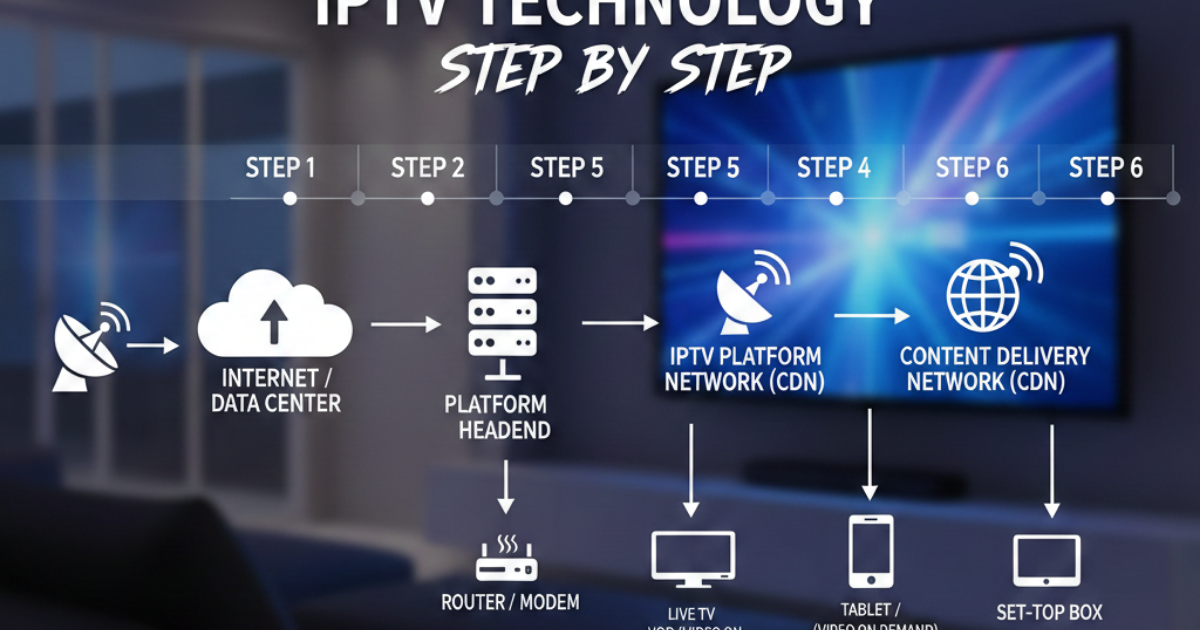
IPTV Technology Step by Step Workflow
The entire process of delivering IPTV content from a server to your device follows a consistent, simple sequence. The table below breaks down each stage of the process.
| Step Number | Process Action | Description |
|---|---|---|
| 1 | Content Preparation | Original video content is compressed and converted into a digital format suitable for streaming over internet connections. |
| 2 | Content Storage | Prepared video files or live feed streams are stored on secure servers. |
| 3 | User Request | A user selects a channel or video to watch on their IPTV player or app. |
| 4 | Request Routing | The server receives the user request, verifies the user has an active subscription, and locates the requested content. |
| 5 | Content Transmission | The content is sent in small data packets to the user’s device over their internet connection. |
| 6 | Playback | The user’s IPTV player decodes the data packets and plays the video content in real time. |
Every time you play content through an IPTV service, this full process happens in less than a second for most stable internet connections.
People who run or sell access to IPTV services use special management software. If you are interested in running your own IPTV service, you can learn more about becoming an IPTV Reseller to serve customers in your local area.
Types of IPTV Services
IPTV technology can be used to deliver different types of content to suit different user needs.
Live IPTV
Live IPTV streams live television content in real time, exactly the same as a traditional live TV broadcast. This is used for sports, news, and live event broadcasts.
Video on Demand (VOD)
Video on Demand lets you select and watch pre-recorded content such as films, series, or documentaries at any time you choose. You do not have to follow a scheduled broadcast time.
Time Shifted TV
Time shifted TV lets you watch previously broadcast live content at a later time. Many official IPTV providers include a 7 day catch up feature for popular channels as part of their subscription.
IPTV vs Traditional Cable TV
Many people compare IPTV to traditional cable TV services that have been common in UK households for decades. The table below shows a direct comparison of key features.
| Feature | IPTV | Traditional Cable TV |
|---|---|---|
| Delivery Method | Internet connection | Physical coaxial or fibre cable network |
| Required Hardware | Compatible smart device, or set top box | Cable box provided by provider |
| Channel Selection | Can be customised to user preference | Fixed channel bundles for all customers |
| Portability | Can be used anywhere with internet | Only works at the property the cable line is installed |
| Additional Features | Often includes VOD and catch up TV | Extra features usually cost additional fees |
For many households, IPTV is a more flexible option than old cable services. You are not tied to a single location, and you can pay only for the content you actually want to watch.
You can view different service cost options on our Pricing Page if you are looking for management tools for your own IPTV business.
Pros and Cons of IPTV Technology
Like all technology, IPTV has advantages and downsides depending on your use case.
| Pros | Cons |
|---|---|
| Lower running costs for service providers | Requires stable high speed internet to work properly |
| Flexible customisable channel packages | Poor internet connection causes buffering or low video quality |
| Support for multiple device use | Unlicensed services may stop working without warning |
| Built in support for VOD and catch up features | Licensed official IPTV services may still have geographic restrictions |
Most downsides related to IPTV can be avoided with proper preparation. If you have a stable internet connection of at least 10 Mbps for high definition content, and 25 Mbps for 4K content, you will get a smooth viewing experience.
Common Misconceptions About IPTV
There are many common myths about IPTV that are not true. We have listed the most common ones below.
The biggest misconception is that all IPTV is illegal. IPTV is just a technology for delivering video over internet. Official TV providers, universities, and businesses use licensed IPTV services legally every day. Only services that distribute copyrighted content without permission are illegal.
Finally, some people think IPTV only works with fibre internet. IPTV works with any stable internet connection. You can use it with ADSL, cable internet, mobile 4G or 5G connections, as long as you have consistent speed.
Best Practices For Using IPTV
Follow these simple guidelines to enjoy the best experience with IPTV either as a user or when providing an IPTV service to customers.
For end users:
Whenever possible, connect your streaming device to the internet using a wired ethernet cable. This will provide you with a more stable connection than Wi, Fi and will also help to avoid buffering.Close all other apps or devices that might be using your internet connection during streaming.For your safety and uninterrupted service, only use licensed and legal IPTV services.For service operators and resellers:
To minimize inconvenience for your customers, select trustworthy server providers.For security purposes, always keep your management panel updated.Offer your customers simple and straightforward support in cases of issues with their account or playback.Frequently Asked Questions
We answer here the most recurring questions about the IPTV method.
Do I need a special router to use IPTV?
The good news is that for most standard IPTV usage, one does not need a special router.
Actually, a contemporary home router would be sufficient in most situations. On the other hand, if your house is literally a crowd of people, all streaming from their devices simultaneously, then a router with higher performance capability would probably be a good idea.
How much internet speed is required for IPTV?
To watch in standard definition, the minimum speed is 5 Mbps, for full high definition it is 10 Mbps, and for 4K ultra high definition it is 25 Mbps. If you are using multiple devices to stream simultaneously, then the total speed requirement has to be even higher.
Can I use IPTV if I am not home?
Wherever you have an internet connection, you can use your IPTV subscription. The only thing is that the device or service that you are using should not have any kind of location restrictions.
Is IPTV better than satellite TV?
IPTV has more features, is richer and provides greater flexibility than satellite TV.
What equipment do I need to start as an IPTV reseller?. There is no need for you to invest in costly hardware to begin with. What you require is access to a management panel and a system to handle customer payment.