

What Is an IPTV Reseller Panel? Complete Beginner Guide 2026
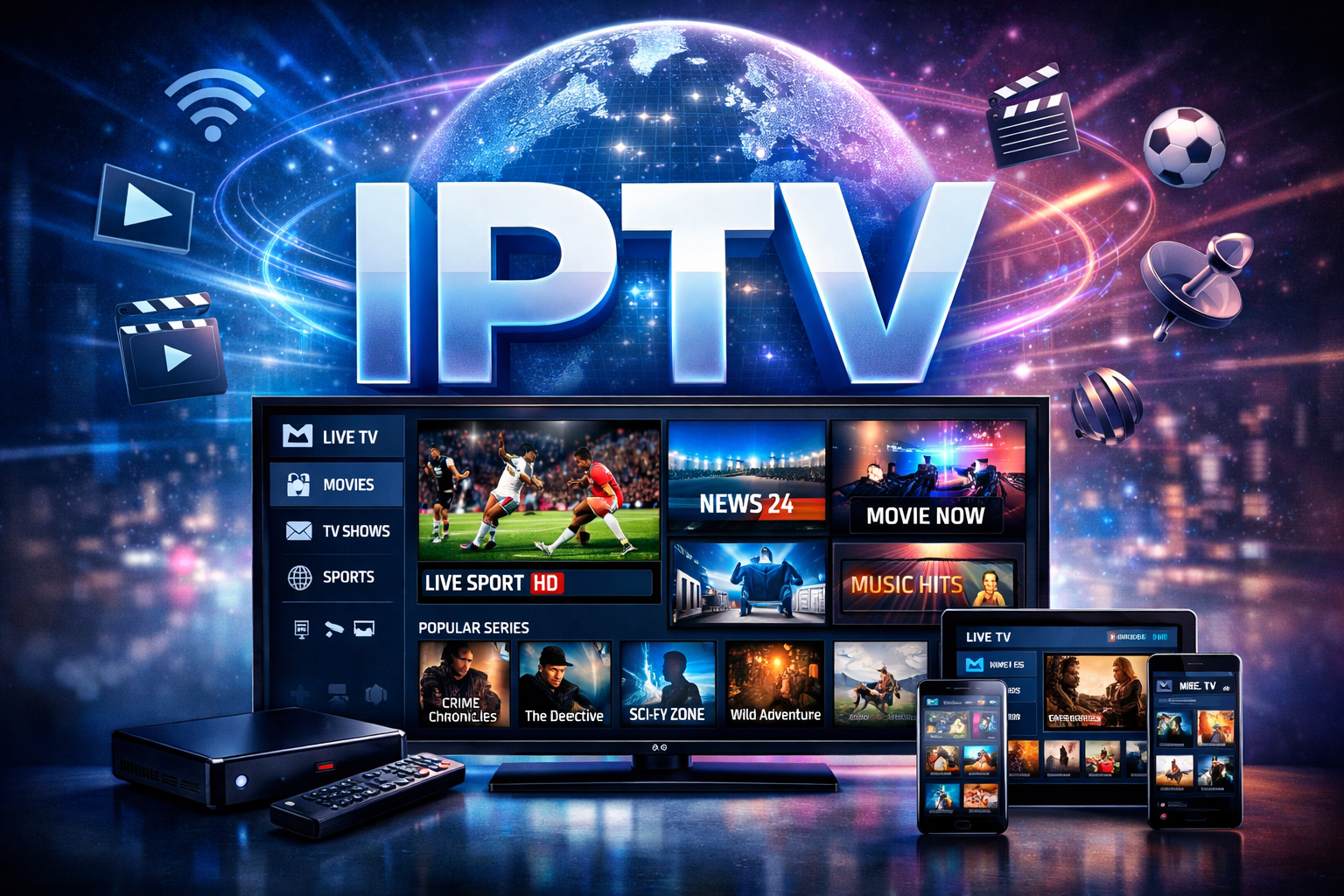
IPTV Panel Explained: A Guide for Complete Beginners
The digital leisure landscape is moving away from conventional cable and toward internet-based streaming. If you are looking into how these services are managed or how people start their own streaming businesses, you will likely come across the term “IPTV panel.” For an IPTV complete beginner, understanding this software is the first step toward learning the technical side of modern media delivery.
What Is an IPTV Reseller Panel? Essentially, it is the control center used to manage subscriptions, users, and streaming links.
Understanding the Basics of IPTV Panels
An IPTV panel is a web-based management platform. It acts as a middleman between the server and the end user. Think of it like a dashboard for a retail store. The store owner uses a dashboard to track inventory and customers; in the same way, a manager uses a panel to track who has access to certain streams.
Software vs. Content
It is important to understand that an IPTV panel is solely a software tool. It is a management interface. The panel itself does not contain movies, TV shows, or live channels. It is a system used to organize access. Users must have their own sources or legal permissions to manage content through such software.
Why the Panel Is Necessary
Without a panel, managing individual customers would be a manual, technical nightmare. You would have to manually edit server files every time a user wanted to change their password or renew a subscription. The panel automates these tasks, providing a visual interface that anyone can use without knowing how to code.
How an IPTV Panel Works
The workflow of a panel is fairly straightforward. It connects to a central server where the actual media data is stored. The panel then creates “lines” or “credentials” for users.
The Connection Process
Server Integration: The panel software is installed on a server.
User Creation: The administrator creates a username and password for a customer.
Link Generation: The panel generates an M3U link or Xtream Codes API credentials.
Client Access: The customer enters these details into an IPTV player app on their device.
Credit Systems
Most panels operate on a credit-based system. Instead of paying a flat monthly fee for the software, you buy “credits.” Usually, one credit equals one month of service for one user. This allows for easy scaling. If you have ten users, you use ten credits. If you have zero users, you spend nothing.
Key Features of a Management Panel
Modern panels are packed with features designed to make management easy for an IPTV complete beginner.
User Management
This is the primary function. You can add new customers, remove old ones, or pause an account if a payment is missed. You can also see if a user is currently online and what device they are using.
Bouquet Customization
In the world of streaming, a “bouquet” is a package of channels. A panel allows you to group channels by country or category (e.g., Sports, Movies, Kids). This helps in offering different levels of service to different customers.
Device Compatibility
Good panels support various formats. Whether a user has an Android box, an Apple TV, a Smart TV, or a computer, the panel can generate the correct type of link required for that hardware.
Benefits of Using an IPTV Panel
Using a dedicated management tool gives several advantages over trying to manage streams manually.
Scalability
You can start with just a few users and grow to hundreds. The software handles the heavy lifting, making sure that adding the 1,000th customer is just as easy as adding the first.
Professionalism
Panels provide a structured environment. They offer automated expiry reminders and organized playlists, which makes the service feel more reliable to the end user.
Centralized Control
If a specific stream is down or needs to be updated, you change it once in the panel, and it updates for everyone automatically. You do not have to contact users individually to give them new links.
Comparing Different Panel Roles
Not everyone using a panel has the same level of access. The industry is generally divided into two main roles: Administrators and Resellers.
Feature Comparison Table
Feature | Admin Panel | Reseller Panel
Server Control | Full Control | No Access
Create Resellers | Yes | No
User Management | Yes | Yes
Channel Editing | Yes | No
Credit Purchase | N/A (Owns Server) | Required
Technical Knowledge | High | Low
Getting Started as an IPTV Reseller
Many people enter this business by becoming an IPTV reseller. This is the most common way to use a panel without having to own expensive server hardware.
Choosing a Provider
The first step is finding a provider that offers a reseller program. You will look for stability and a panel interface that you find easy to navigate. Once you sign up, you will typically receive your login credentials to a “Reseller Panel.”
Purchasing Credits
Before you can activate any customers, you have to purchase credits. It is important to check the pricing page of your chosen provider to understand the cost per credit. Usually, the more credit you purchase at once, the cheaper each credit becomes.
Setting Up Your First Client
Once you have credits, you simply click “Add User,” choose a username, and select the channel packages they want. The system deducts the credits and gives you the link to send to your customer.
Pros and Cons of Managing an IPTV Panel
Every tool has its upsides and downsides. It is important to be realistic about what to expect.
Pros and Cons Table
Pros | Cons
Easy to use for beginners | Requires stable internet to manage
No coding skills required | Dependent on the main server uptime
Highly organized user data | Initial cost for credits
Ability to brand your own service | Technical support can be time-consuming
Remote management from anywhere | Competitive market
Common Mistakes to Avoid
Even though panels are designed to be simple, new users often make mistakes that can cause frustration.
Overcomplicating Bouquets
Beginners often try to give every user every single channel available. This can make the loading time for the user’s app very slow. It is better to only include the categories the user actually wants to watch.
Ignoring Logs
Panels provide “logs” that show when a user connects or if there are errors. Many beginners ignore these. Checking logs is the fastest way to figure out why a customer’s stream is not working.
Poor Credit Management
Since credits represent money, losing track of them is a big mistake. Always keep a small reserve of credits so you can renew a customer immediately after they pay you, rather than making them wait for you to buy more from the main provider.
Best Practices for Panel Management
To run a smooth operation, follow these industry-standard practices.
Regular Backups
While the main server admin typically handles this, it is good practice to keep your own list of customers and their expiry dates in a separate spreadsheet.
Security First
Always use strong passwords for your panel access. Since the panel controls your users and your credits (which have financial value), a breach could result in a complete loss of your investment.
Test Before Delivering
Before sending credentials to a client, test the line yourself using a free player app. This ensures the line is active and the channel bundle is correct.
The Workflow of an IPTV Panel
Understanding the step-by-step process helps an IPTV complete beginner visualize the daily operations.
Process Workflow Table
Step | Action | Description
1 | Login | Access the panel via a secure URL.
2 | Check Credits | Ensure you have enough balance to create a line.
3 | Create User | Enter client details and select channel groups.
4 | Assign Duration | Choose 1 month, 3 months, or 12 months.
5 | Copy Link | Copy the M3U or API login for the client.
6 | Monitor | Use the dashboard to see if the client is connected.
Technical Requirements for Using a Panel
You do not need a powerful computer to manage an IPTV panel. Since it is web-based, the requirements are minimal.
A Modern Web Browser: Chrome, Firefox, or Safari work best.
Stable Internet Connection: You need this to reach the server to make changes.
A Spreadsheet Tool: Useful for tracking your customers and billing.
A Testing Device: An Android phone or Firestick to confirm that the lines you create are working properly.
Misconceptions About IPTV Panels
There is a lot of misinformation online. Let’s clear up a few common myths.
“The Panel Generates the Video”
False. The panel is only a remote control. The video comes from a streaming server. If the server goes down, the panel will still work, but the video will not play.
“You Need to Be a Programmer”
False. If you can use Facebook or an email account, you can use a management panel. The interface is designed for point-and-click ease.
“One Panel Works for All Servers”
False. A panel is usually tied to a specific provider’s infrastructure. You cannot use a panel from Provider A to manage customers on Provider B’s server.
Frequently Asked Questions
What is a “Line” in an IPTV panel?
A line is essentially a single user account. It includes a unique URL or a set of login credentials that allows one connection to the streaming server.
Can I use the panel on my phone?
Yes, most modern IPTV panels are responsive. This means they adjust to fit the screen of a phone or tablet, allowing you to manage your users while on the move.
What happens when a customer’s subscription expires?
The panel will automatically disable the line. The user will not be able to access the streams until you “extend” or “renew” the account using additional credits.
Can I see what my users are watching?
Most panels have a “Live Connections” section. This shows you which username is online and which channel or movie they are currently streaming.
Is the panel software free?
Usually, the software is provided free of charge by the main provider when you become a UK IPTV reseller. Your actual cost comes from buying the credits used to create accounts.
Can I rename the panel?
Some providers offer “DNS Pointing” or “White Label” options. This allows you to use your own domain name (e.g., yourbrand.com/panel) to access the management interface, making it look more professional.
Conclusion
Navigating the world of internet streaming management can seem overwhelming at first. However, for an IPTV complete beginner, the IPTV panel is the essential tool that makes the complex simple. It removes the need for deep technical knowledge and replaces it with a user-friendly dashboard.
By understanding how credits work, how to manage bouquets, and how to support your customers, you can efficiently run a management system with very little overhead. Remember that the panel is a software tool for organization and control; it does not host or provide the content itself. With the right approach and a focus on security and organization, an IPTV panel becomes the backbone of a modern streaming management workflow.