

What Is IPTV? Beginner’s Guide to Internet TV Streaming 2026
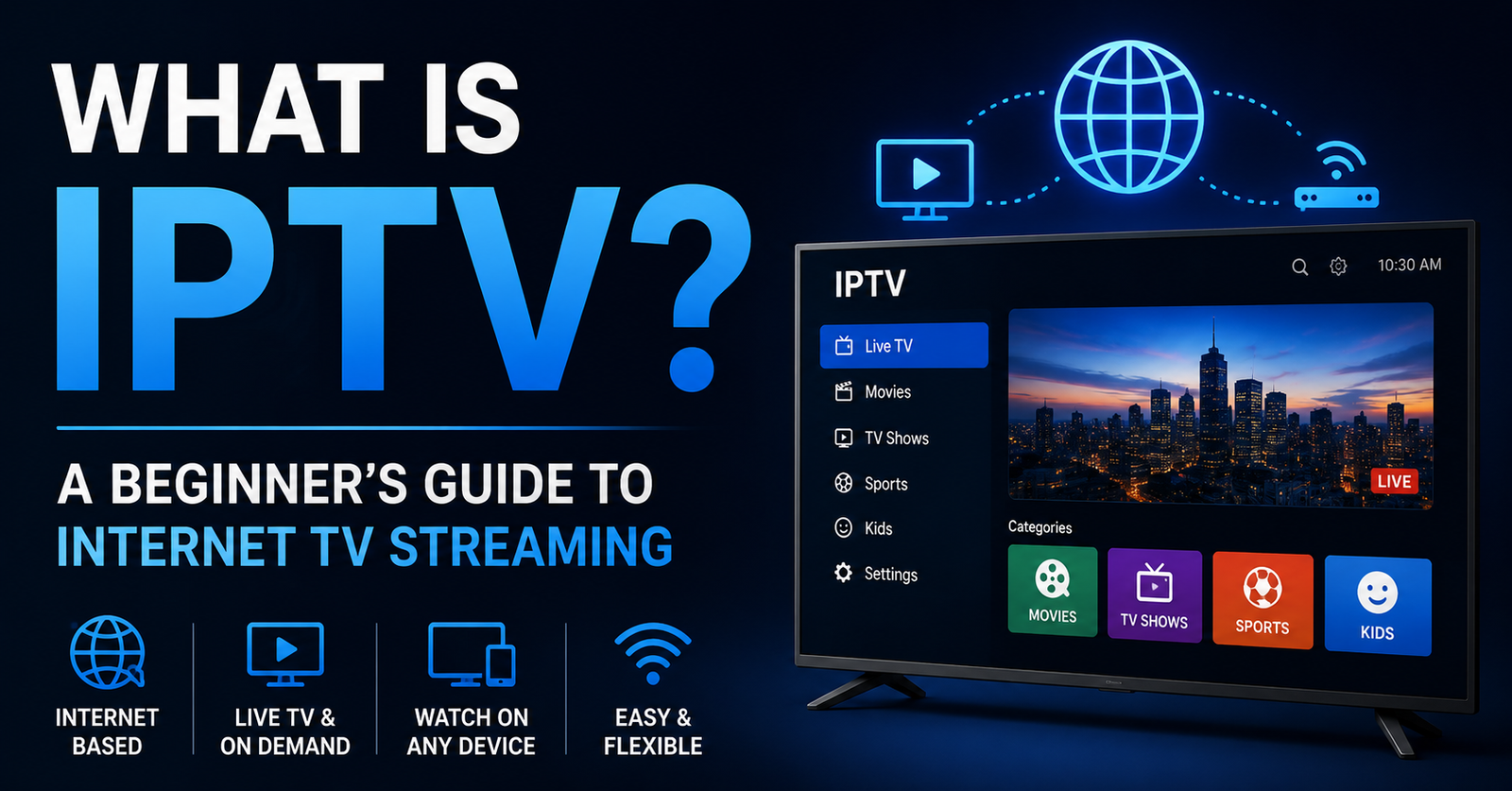
What Is IPTV? A Beginner’s Guide to Internet TV Streaming in the USA
Television in America doesn’t really live in a cable box anymore. More and more people have quietly dropped the satellite dish and the monthly cable bill, and now watch their live channels, films, and shows straight over their home internet. The thing making that possible is IPTV, short for Internet Protocol Television. If the term is new to you, don’t worry. This guide walks through what it actually is, how it works, what it costs, and the few things worth knowing before you sign up for anything.
A Quick Note Before We Start
This guide is about the technology and how it works, nothing more. We don’t host or supply any video content ourselves. Wherever you go from here, stick to services that carry properly licensed channels and stay on the right side of copyright law.
So Exactly What Is IPTV?
At its simplest, IPTV is television delivered over your internet connection instead of through a cable or an aerial. Old-school TV pushes a signal down a wire or through the air. IPTV breaks that same video into data packets and sends them over your broadband, the same way a webpage or a video call travels.
What you get on the other end is live channels, sport, news, plus on-demand films and series, all reaching you through an app or media player. Most people watch on a smart TV, a streaming stick, or just their phone.
A lot of IPTV services carry thousands of channels from all over the world, and many throw in a video-on-demand library that feels a bit like Netflix sitting alongside it. The real distinction is that IPTV does both at once: live broadcasts and stored content, all coming down the same internet pipe.
What’s Actually Happening When You Press Play
There’s nothing mysterious going on behind the scenes. A provider takes the video, encodes it into a digital format, and keeps it on powerful servers. The moment you tap a channel or a show, those servers start firing the data across the internet to your device.
Your player app catches that stream, decodes it, and paints it onto your screen. The better services lean on content delivery networks (CDNs), which are basically clusters of servers spread around so the video comes from somewhere near you rather than halfway across the planet. That’s what keeps the lag down and the picture clean.
Here is a simple workflow:
| Step | Description |
|---|---|
| 1 | Content is captured and encoded into IP packets |
| 2 | Packets travel through secure servers and CDNs |
| 3 | Your app requests the stream using login details |
| 4 | Video plays smoothly on your chosen device |
| 5 | Buffering adjusts based on your internet speed |
For smooth viewing you’ll want a steady connection, roughly 10Mbps for HD and 25Mbps or more if you’re chasing 4K. And if you care about live sport or anything with fast motion, plugging in with an ethernet cable beats Wi-Fi nearly every time.
Why People Are Making the Switch
The big draw is flexibility, the thing cable never really gave you. With most services you can watch across several devices without paying extra for each one, and if the provider supports catch-up TV, you can pause, rewind, or record whatever you missed.
Families lean on it for international channels and kids’ content. Sports fans love getting dedicated channels without buying a giant cable bundle wrapped around them. And expats or anyone living away from home can keep up with programming from back home without much fuss.
There’s a business side too. Some people go a step further and become an IPTV UK reseller, selling subscriptions on to their own customers, setting their own prices, and managing it all from a simple dashboard. That’s a whole topic of its own, but it’s worth knowing the option exists.
How IPTV Stacks Up Against Cable and Netflix
IPTV sits between old-school cable and modern on-demand apps. Here is a clear comparison:
| Feature | IPTV | Cable/Satellite TV | OTT Streaming (Netflix, Hulu) |
|---|---|---|---|
| Delivery Method | Internet protocol | Coaxial cables or satellite | Public internet |
| Live Channels | Yes, often thousands | Yes, fixed packages | Limited or none |
| On-Demand Content | Extensive libraries | Some DVR options | Main focus |
| Device Flexibility | High (apps on many devices) | Usually one main TV | High |
| Contract Length | Mostly month-to-month | Often 1-2 years | Month-to-month |
| Typical Cost | Lower than full cable | Higher with equipment fees | Varies by service |
Cable still does reliable local channels, but you pay for it in higher bills and a cupboard full of hardware. Pure streaming apps are brilliant for binge-watching but fall short on live TV. IPTV sits in the middle, pulling in the live news and sport from one world and the on-demand films from the other, which is exactly why it appeals to people who want a bit of everything.
The Honest Pros and Cons
Nothing’s perfect, and IPTV is no exception. Here’s the straight version of what’s good and what to watch out for, so you can decide whether it actually suits how you watch.
| Pros | Cons |
|---|---|
| Lower monthly costs | Requires reliable high-speed internet |
| Huge channel selection | Quality depends on provider |
| Watch on phones, tablets, TVs | Occasional buffering in peak hours |
| No long contracts | Legal risks with unlicensed services |
| International and niche content | Customer support varies |
| Multi-device support | Setup learning curve for beginners |
Plenty of people end up saving real money by dropping cable and running IPTV alongside one or two on-demand apps. The whole thing rests on one decision though: picking a provider whose servers don’t fall over.
Myths Worth Clearing Up
A fair bit of nonsense floats around about IPTV, so let’s clear some of it. The first myth is that IPTV is automatically illegal. It isn’t. The technology itself is completely legal, and major telecom companies use it every day. Trouble only starts when a service hands out content it doesn’t hold the rights to.
Another myth claims you need expensive set-top boxes. In reality, free or low-cost apps work on most modern devices. A basic Fire TV Stick or smart TV is often enough.
Another common belief is that IPTV buffers constantly. With a solid connection and a decent provider, that’s actually rare. People also assume it’s pricier than cable, when in reality most plans undercut it.
And the last one: that any cheap service must be a bargain. Sometimes a rock-bottom price just means tired servers, regular downtime, or dodgy licensing. A little research goes a long way here.
Getting the Most Out of Your Service
Whenever you can, start with a trial before paying for anything. Watch at different times of day and pay attention to picture quality, how stable the channels are, and whether the app holds up. Peak evenings are the real test, not a quiet Tuesday afternoon.
For the matches you actually care about, plug in over ethernet. Keep your app and your device updated, and lock the account down with a strong password and two-factor authentication if it’s offered.
Lean towards providers with round-the-clock support and a refund policy you can actually read. Check what real users say on independent forums rather than the testimonials on the seller’s own page. And be wary of anyone promising “everything for free” or a channel count that sounds too good to be true, because it usually is.
If the business side has caught your eye, UK IPTV reseller panels are the tools that make managing customers straightforward. Have a look at our pricing page to see the options.
Focus on legal, licensed services. This protects you and supports content creators. A good internet plan from your ISP is the foundation for smooth streaming.
Setting Yourself Up, Step by Step
Start by checking your internet speed, since most providers list a minimum on their site and there’s no point signing up if you’re short. Then pick a device that plays nicely with IPTV. The usual favourites are the Amazon Fire Stick, Roku, an Android TV box, or a smart TV from the likes of Samsung or LG.
Download the recommended player app. Enter the login details provided by your service. Browse the channel list or electronic program guide to start watching.
Experiment with different categories. Many services organize content by country, genre, or language. Adjust video quality settings inside the app to match your connection.
If something goes wrong, restart your router and device before anything else, since that fixes more problems than people expect. If the buffering sticks around, clear the app’s cache. Still stuck? Message support and tell them exactly what device and setup you’re on, it gets you a faster answer.
FAQs
What devices work best with IPTV? Smart TVs, Amazon Fire TV Stick, Roku, Android boxes, smartphones, tablets, and computers all support IPTV through dedicated apps.
Is IPTV legal in the USA? The IPTV technology is legal. Only use providers that have proper licenses for the channels and shows they offer. Avoid services that seem to provide premium content at suspiciously low prices.
How much does IPTV usually cost? Plans typically range from $10 to $30 per month depending on channel count, video quality, and features. Many offer quarterly or yearly discounts.
Do I need a special box or antenna? No. Most people use apps on devices they already own. A stable internet connection is the main requirement.
Can I watch IPTV on multiple devices at once? Many services allow two or more simultaneous streams. Check the plan details before subscribing.
What internet speed do I need? At least 10 Mbps for HD and 25 Mbps or more for 4K. Fiber or high-speed cable internet works best.
How do I avoid buffering? Use a wired connection when possible, close background apps, and choose a provider with strong servers and anti-freeze technology.
The Bottom Line
IPTV opens up a way of watching telly that just isn’t tied down the way cable and satellite are. Live channels, on-demand libraries, and the freedom to watch on whatever screen is nearest, all in one place. Whether you’re cutting cable entirely or just bolting more options onto what you’ve already got, knowing the basics is what stops you from picking the wrong service.
So take your time. Research a few providers, use the trials, and put quality and proper licensing above a flashy price tag. Get that part right and IPTV can quietly handle your household’s viewing for years without drama.