

How IPTV Works: Simple Explanation for New Users 2026
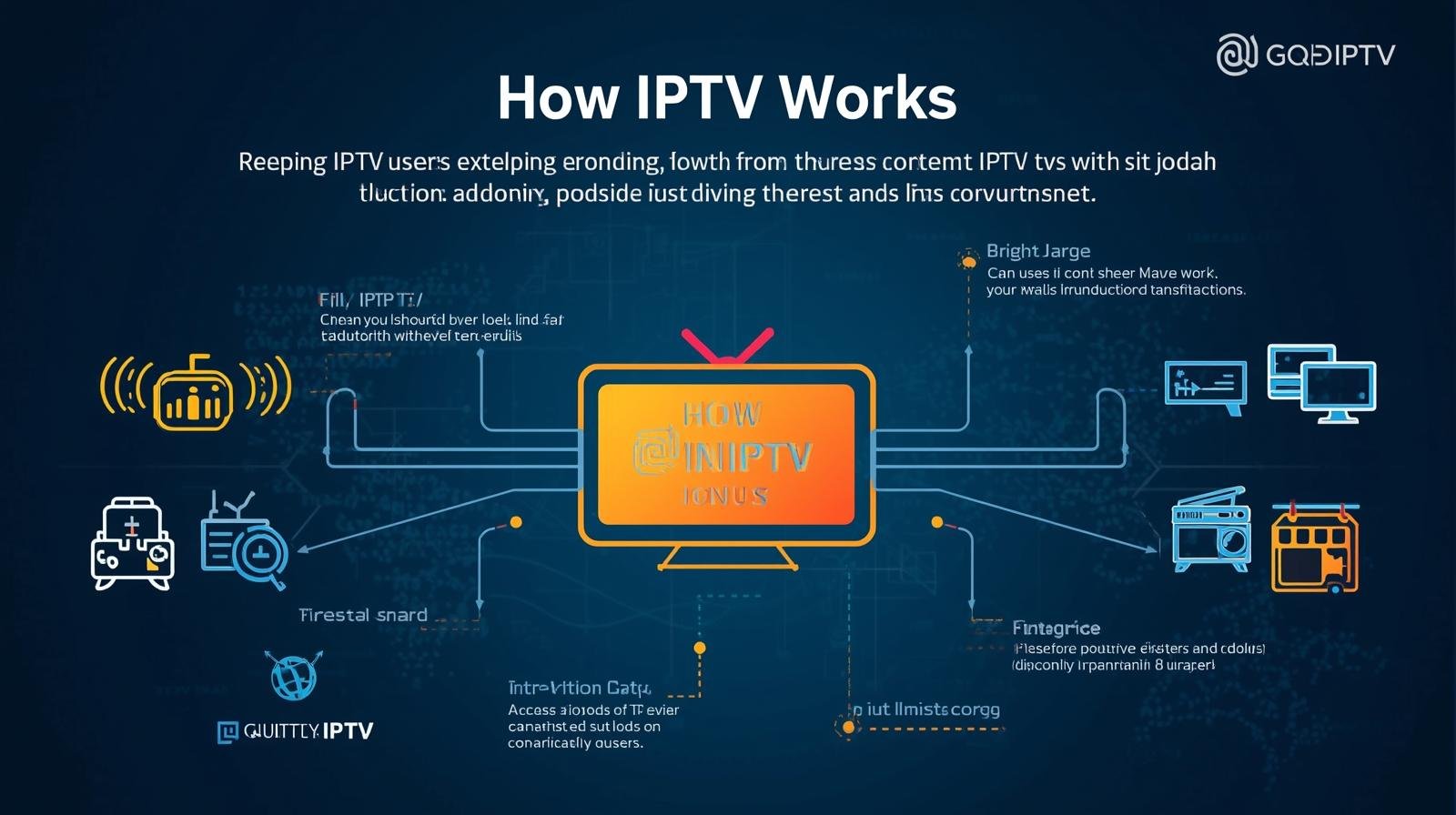
How IPTV Works: A Simple Explanation for New Users
Television has shifted a lot over the past decade. More and more people are walking away from old-fashioned cables and satellite dishes, and instead using their home internet to watch whatever they fancy. The technology behind all this is called Internet Protocol Television, or IPTV for short. If you’ve been hunting for a plain-English explanation of how it works, you’re in the right place. We’ll break down how the software runs and how the systems behind it are actually managed.
Once the basics click into place, a lot of people start wondering about the business side of things too. What is a UK IPTV reseller panel, and how does it help manage customers? We’ll get to that as well, covering everything from the technical journey of a video stream to the management tools providers actually rely on.
So What Exactly Is IPTV?
IPTV stands for Internet Protocol Television. In plain terms, it simply means delivering TV content over the internet. Traditional telly sends its signal through radio waves from an aerial, through fibre cables, or down from a satellite. IPTV sends those same shows as data packets over your home broadband instead.
Think of it a bit like YouTube or Netflix, except built for live channels and video-on-demand (VOD). It uses the very same language your computer uses to load a website, which is exactly why it’s so flexible and works happily across all sorts of devices.
It’s a Framework, Not Just an App
One thing worth getting clear early on: IPTV is a whole technology framework, not a single app. It involves software, servers, and management tools all working together. Sites that cover this subject usually focus on the software that organises channels or the hardware that streams them. These platforms don’t host or supply the media themselves. What they provide is the interface and the delivery system that moves the data from one end to the other.
Following a Video From Source to Screen
The easiest way to understand IPTV is to trace the path a video takes from its source all the way to your screen. It happens in three main steps.
- Content Preparation
First, the video is recorded, whether that’s a live football match or a pre-recorded film. It’s then converted into a digital format, a step called encoding. Encoding shrinks the file down enough to travel quickly over the internet without the picture quality falling apart.
- Content Delivery
When you press “play,” a request shoots off to the server. The server breaks the video into small “packets” of data, and those packets travel through your internet router and on to your device.
- Viewing
Your device, be it a smart TV or a phone, catches those packets, reassembles them in the right order, and displays them as one smooth video. The whole thing happens in a matter of milliseconds.
The Three Ways People Watch
Not all internet-based TV is the same. There are three main ways people actually use it.
Video on Demand (VOD)
This is the most common one. You pick a particular film or show, and the server sends it straight to you. Pause, rewind, fast-forward, it’s all in your hands.
Time-Shifted Media
This lets you watch broadcasts that aired earlier. Miss the evening news? You can “catch up” and watch it an hour later. Most people just call this catch-up TV.
Live IPTV
This is the closest to traditional telly. You watch a programme exactly as it’s happening, which is why it’s so popular for sport and breaking news.
What’s Going On Behind the Interface
Behind every nice streaming interface sits a fairly complex control system. This is where the likes of an IPTV UK reseller come in. These are individuals or companies that use dedicated software to manage access for a specific group of users.
The Management Panel
A management panel is the brain of the whole operation. It lets the person running it:
- create user accounts
- organise channel lists
- keep an eye on the health of the stream
- offer technical help to viewers
These tools are strictly for management and organisation. Their job is to make sure the data packets reach the right person at the right time.
Why So Many People Are Switching
So why are people moving over in such numbers? There are a few very practical reasons internet-based TV is quietly becoming the norm.
Flexibility
You’re not chained to a schedule anymore. With VOD and time-shifting, you watch when it suits you. And you’re not stuck to one room either, you can carry on watching in the kitchen on a tablet or out in the garden on your phone.
Device Compatibility
Traditional TV wants a separate cable box in every room. IPTV runs on almost anything with a screen and an internet connection.
IPTV vs the Old Way, Side by Side
To pull it all together, here’s how IPTV stacks up against the traditional way of watching TV.
| Feature | Traditional Cable/Satellite | IPTV |
|---|---|---|
| Connection | Coaxial cable or satellite dish | Broadband internet |
| Flexibility | Limited to where the wire is | Anywhere with internet |
| Device Support | Usually needs a specific box | Works on TVs, PCs, and phones |
| Content Type | Mostly live | Live, VOD, and catch-up |
| Cost | Often involves long-term contracts | Usually more flexible options |
Getting a Smooth, Lag-Free Picture
If you do decide to give it a go, a few small habits will keep the picture smooth and the buffering at bay.
- Check Your Internet Speed
Since the video arrives over your broadband, you need a steady connection. For standard quality, around 5Mbps is usually enough. For 4K, aim for at least 25Mbps.
- Use an Ethernet Cable
Wi-Fi is handy, but it can be temperamental. If your TV or box is anywhere near the router, run a physical cable to it. You’ll get a far steadier stream.
- Keep Your Software Updated
Whether you’re on an app or a dedicated box, always install the latest updates. They tend to fix bugs and speed up the video player.
Clearing Up a Few Myths
Because the technology is still relatively new to a lot of people, plenty of myths have stuck to it. Let’s separate fact from fiction.
“It’s too complicated to set up”
A lot of people assume you need to be some kind of computer expert. In reality it’s as simple as downloading an app and typing in a username. If you can use a smartphone, you can use IPTV software.
“The quality is worse than cable”
In the early days, internet video could look blurry. These days, streams often run at higher bitrates than cable, so the picture can actually be sharper.
“You need a special TV”
You don’t. Even an older TV with an HDMI port will do the job, as long as you plug in a cheap little streaming stick.
A Word on Software and Staying Safe
It’s worth remembering that what we’re discussing here is the technology and the software side of management. The internet is full of all sorts of tools and apps, so a little care goes a long way.
Software responsibility: you’re responsible for whatever software you choose to install.
Management tools: things like a panel exist purely for administrative purposes.
No content hosting: this article, and the tools mentioned in it, don’t host, supply, or broadcast any media. The focus here is on the “how” of the delivery system.
When you’re weighing up your options, always check the pricing page of any software provider to see which management features suit what you need. And look for honesty about what the software actually does, that transparency tells you a lot.
How an IPTV System Handles Thousands of Users
So how does a provider manage hundreds or thousands of users at once? They rely on a structured workflow.
Input: the system takes in various video sources.
Processing: the middleware software organises those sources into a menu or interface.
User management: the operator uses a dashboard to grant access to customers.
Distribution: the content delivery network (CDN) sends the data out to each user’s location.
Output: the user sees the menu and picks whatever they want to watch.
The Good and the Not-So-Good
| Pros | Cons |
|---|---|
| Huge variety of content types | Heavily dependent on internet quality |
| Works across multiple devices | Can use a lot of monthly data |
| No professional installation needed | Small delay on live sport (latency) |
| Easy to organise and search | Older routers may struggle with heavy traffic |
Frequently Asked Questions
What internet speed do I need?
For a smooth experience, at least 10Mbps is recommended for HD. If you’ve got several people in the house using the internet at once, 50Mbps or higher is better.
Can I watch on my phone?
Yes. Most IPTV software has mobile apps, so you can watch wherever you are, as long as you’ve got 4G, 5G, or Wi-Fi.
What is a set-top box?
A set-top box is a small device that connects your TV to the internet. It runs the software needed to decode the IPTV data packets.
Does it work in bad weather?
Unlike satellite TV, which can drop out in heavy rain, IPTV isn’t bothered by local weather. As long as your internet service provider (ISP) is up and running, so is your TV.
Can I use my current router?
In most cases, yes. Any modern router that handles high-speed internet should cope fine with the data streaming needs.
Is it different from Netflix?
Netflix works in a similar way, streaming video over the internet, but it isn’t quite the same thing. When people say “IPTV” they usually mean a service that also carries live broadcast channels, which Netflix doesn’t offer. So they’re cousins rather than the same product.
The Bottom Line
When you strip it back, IPTV is simply a smarter way to deliver television. By using the internet instead of old cables and dishes, viewers get more choice, better quality, and a lot more freedom over how and where they watch. It leans on clever software and management panels to keep everything organised behind the scenes.
As long as you’ve got a decent internet connection and a compatible device, there’s nothing stopping you from enjoying this modern way of watching TV. It’s flexible, powerful, and genuinely built for how people live now.