
Every IPTV reseller wants tools that make daily work faster and more reliable. Essential IPTV panel features help you manage customers, track sales, and keep everything running smoothly without constant manual effort. This guide covers the must-have options found in good panels so you can choose one that fits your UK-based operation.
This article explains management software and dashboard tools only. The panel never hosts or supplies any TV channels or streams. All content comes from your chosen IPTV provider. Always check that your service follows current UK laws on copyright and broadcasting rights.
What Is an IPTV Reseller Panel
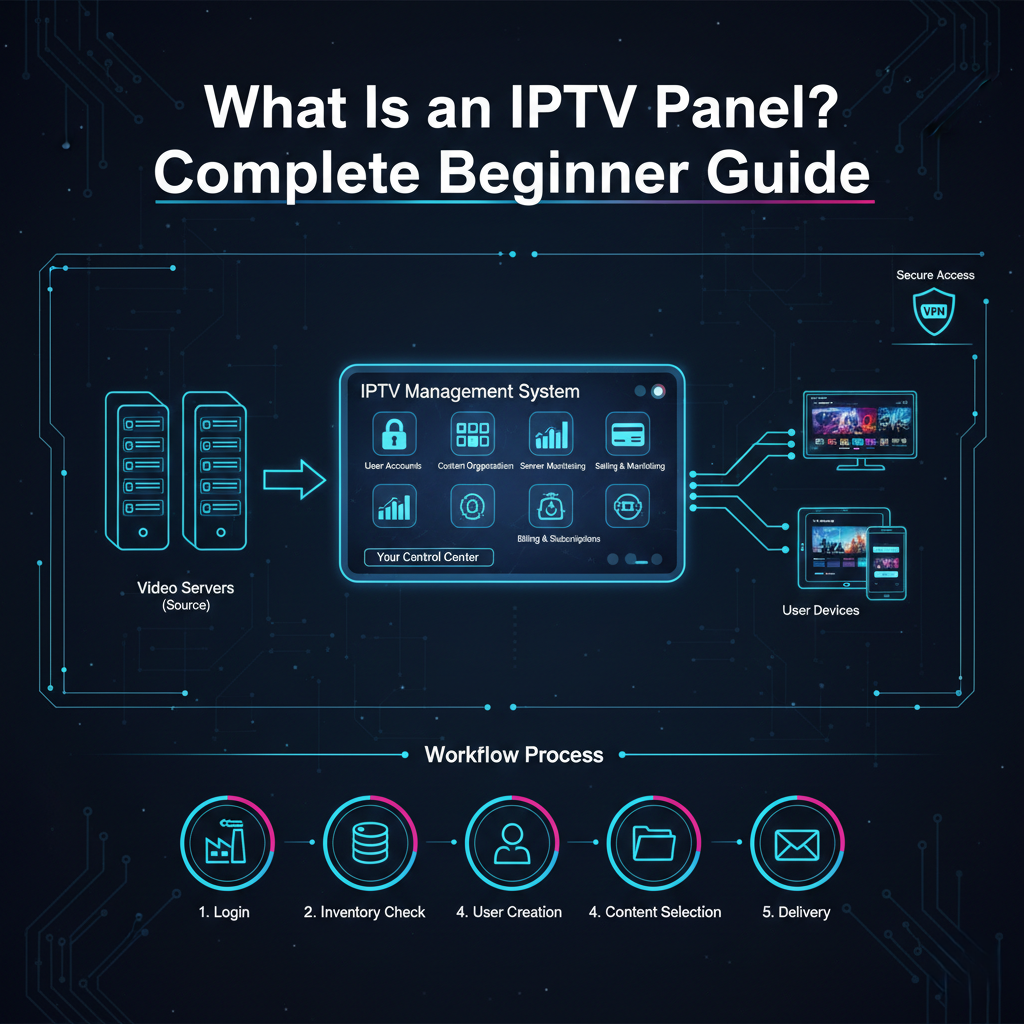
IPTV Reseller panels act as your control centre. You connect to a main IPTV provider through a secure login.
After that, you purchase credits in large quantities, open customer accounts, determine your own prices, and take care of renewals.
The control panel displays real, time data like active users, subscriptions about to expire, and the latest transactions. The panel communicates server changes through an API, so everything is updated immediately.
Core Features That Save Time Every Day
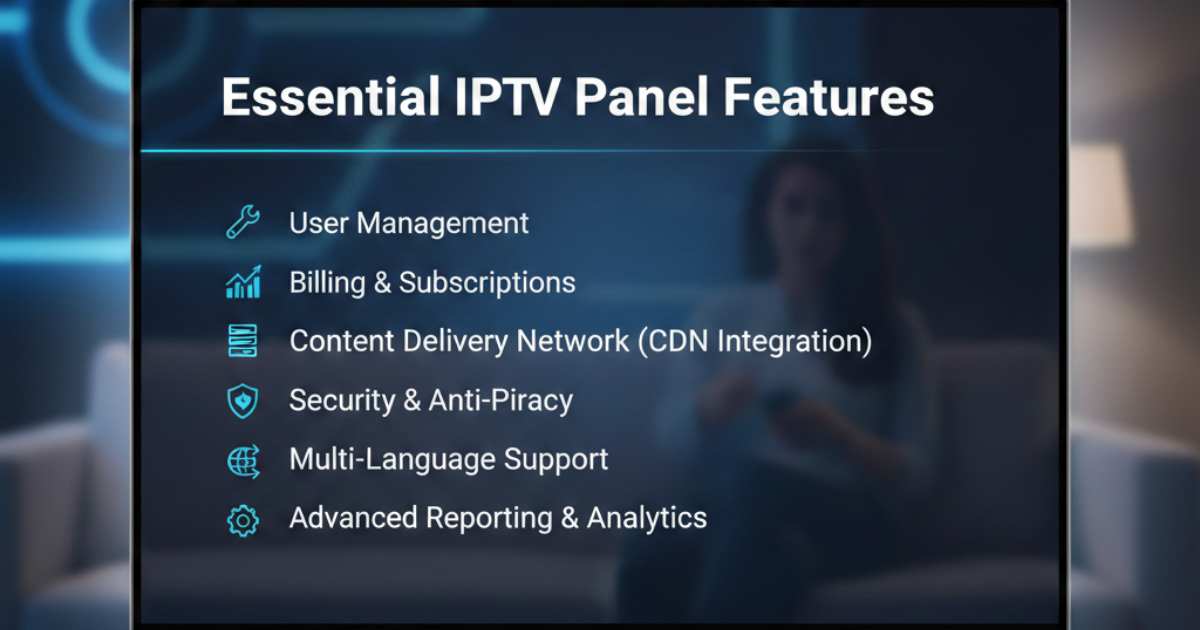
Good panels share several key tools. These features appear again and again because they solve the most common problems resellers face.
- Quick user creation Add one customer or many at once. Fill in basic details like username, password, expiry date, and maximum connections.
- Flexible subscription packages Offer 1-month, 3-month, 6-month, or yearly plans. Set different device limits for each option.
- Built-in trial generator Create short free tests that expire automatically. Most panels let you choose 24 hours or 48 hours with one click.
- Real-time activity monitoring Watch who is online, which channels they use, and if any streams drop. Spot overloaded accounts early.
- Automatic expiry and renewal system The panel tracks end dates and can send reminders. Some allow customers to renew directly.
- M3U, Xtream Codes, and MAC generation Produce the exact login format your customer needs for their TV box, phone, or smart TV app.
- Credit and payment tracking See your remaining balance and record sales inside the same interface.
- These basics form the foundation of any solid panel.
- After the initial 100 customers, you will realize that additional features are of great value.
- Detailed reports and exports Download CSV files with sales by day, top packages, or bandwidth use.
- Multi-server switching Move customers to a backup server if the main one slows down.
- Notification system Get alerts for low credit, soon-to-expire accounts, or login failures.
Panels with these extras help you run a professional service without hiring help.
Essential IPTV Panel Features Comparison Table
Not every panel offers the same depth. Here is how basic, mid-range, and advanced panels usually line up.
| Feature | Basic Panels | Mid-Range Panels | Advanced Panels |
|---|---|---|---|
| Single user creation | Yes | Yes | Yes |
| Trial accounts | Yes (limited) | Yes (custom duration) | Yes + auto reminders |
| Live online stats | Simple count | Channel + device view | Full stream details |
| Bulk actions | No | Basic (renew/suspend) | Full (mass edit/delete) |
| Customer self-renewal portal | No | Sometimes | Yes |
| IP/MAC lock | No | Yes | Yes + history log |
| Exportable sales reports | Basic | Detailed | Custom filters + graphs |
| Multi-server support | No | Limited | Full switching |
Choose based on your current size and growth plans.
Benefits These Features Bring to UK Resellers
You finish routine tasks in minutes instead of hours. Customers receive logins instantly after payment, which builds trust.
Fewer support messages arrive because the system handles most common requests. Reports help you see which sports or movie packages sell best during Premier League season or big events.
Error rates drop sharply. The panel remembers expiry dates and device limits so you avoid accidental over-selling.
Typical Daily Workflow Table
See how the right features change your routine.
| Task | Without Strong Panel Features | With Essential Panel Features |
|---|---|---|
| Add new paying customer | 10–20 minutes | Under 1 minute |
| Create and send trial | 5 minutes + reminder note | 20 seconds + auto expiry |
| Check who is online | Ask provider or no info | Live dashboard view |
| Renew 20 expiring accounts | 30–60 minutes | 2–3 minutes bulk action |
| Record weekly sales | Manual spreadsheet entry | One-click export |
| Handle customer device change | Manual unlock + re-lock | Quick edit in account |
The difference shows most when you manage 50+ active lines.
Common Misconceptions About Panel Features
Many think every panel includes the same tools. In practice, free or very cheap ones often skip monitoring, bulk actions, and customer portals.
Another mistake is assuming the panel supplies channels. It only organises access to your provider’s streams.
Some resellers ignore trial features at first, then wish they had them when trying to win new customers.
Best Practices to Get the Most Value
Test the panel with a small credit purchase before you commit long term. Create ten test accounts yourself to feel the speed.
Keep your credit balance at least two weeks ahead. Check live stats during peak UK viewing hours to catch any provider issues early.
Write simple setup guides for customers and include them with every new login. Use the notification tools to remind people before their service ends.
For up-to-date plan options and credit pricing, check our Pricing Page.
Back up your customer list monthly. Most panels allow CSV export for this purpose.
Frequently Asked Questions
Which feature should I look for first? Start with fast user creation, reliable trial generation, and basic live monitoring. These solve daily headaches quickly.
Do all panels let customers renew themselves? No. Only mid-range and advanced ones usually include a customer portal.
How much do extra features cost? The dashboard is often free. You pay only for the IPTV credits you buy, just like any other reseller.
Is it hard to switch panels later? It can be. Export your customer list first and test the new panel with a few lines before moving everyone.
Can I lock accounts to prevent sharing? Yes, most panels offer IP or MAC locking. Turn it on for high-value customers.
How do I know if a panel has good reports? Ask for a demo or trial access. Check if you can export sales data and filter by date or package.
Are these features legal in the UK? The management tools are legal software. Legality depends on the content source and whether it holds proper licences.
Conclusion
Choosing the right essential IPTV panel features can literally transform your side business from a stressful one into a smooth and scalable operation. Concentrate on tool features that will save you time, reduce the number of mistakes, and enhance the customer experience. Begin with the basics such as fast setup and trials and then introduce more intricate options as you expand.
UK resellers who opted for panels featuring strong monitoring and bulk tools have been able to handle their peak periods basically without any problem. Try out a few alternatives, find which one matches your way of working best, and then gradually expand. A good panel is the one that will handle the difficult aspects allowing you to focus on acquiring and maintaining the loyal customers of your business.